Make it a cartoon
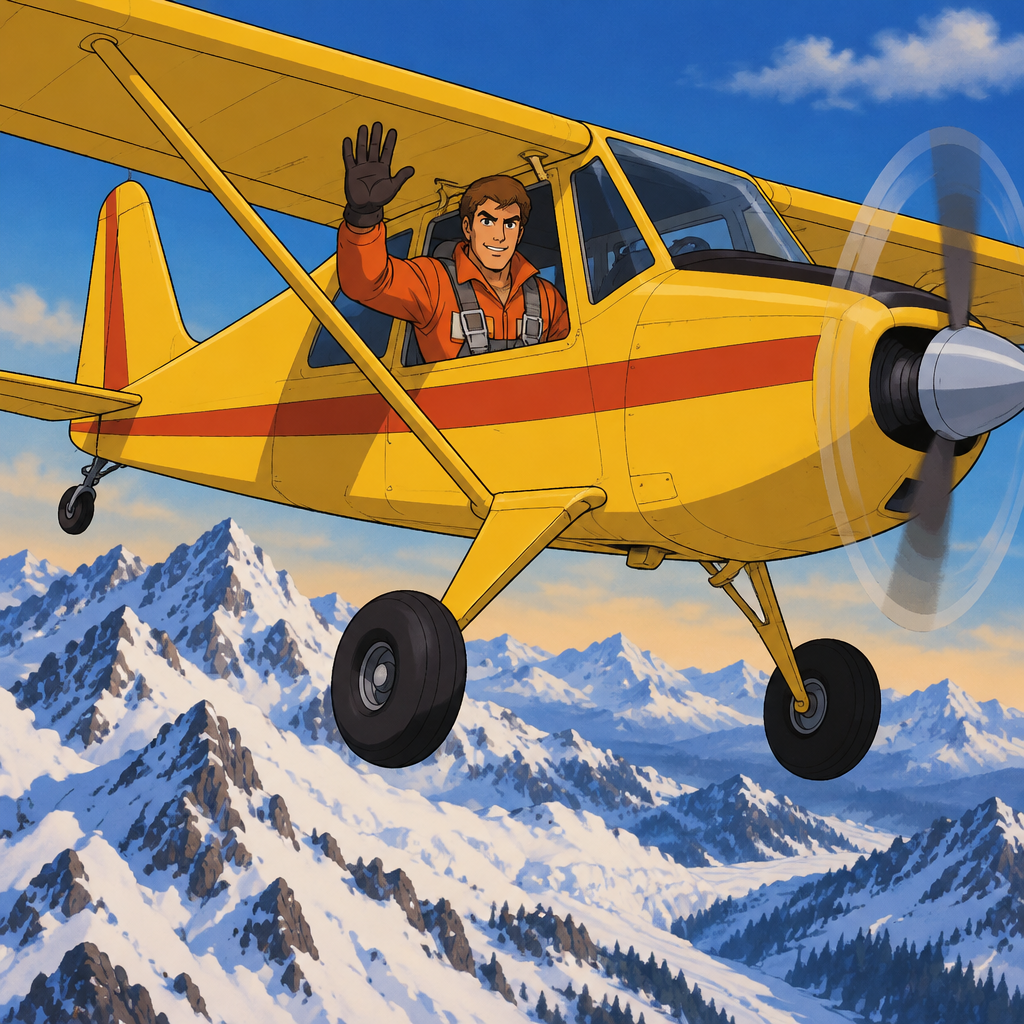
Type an idea or upload a photo and get it drawn as a cartoon. Choose the look by era and technique, from 1930s rubber hose to a 3D animated-film finish.
Sign in with Google for 2 free credits. A standard image costs 1.
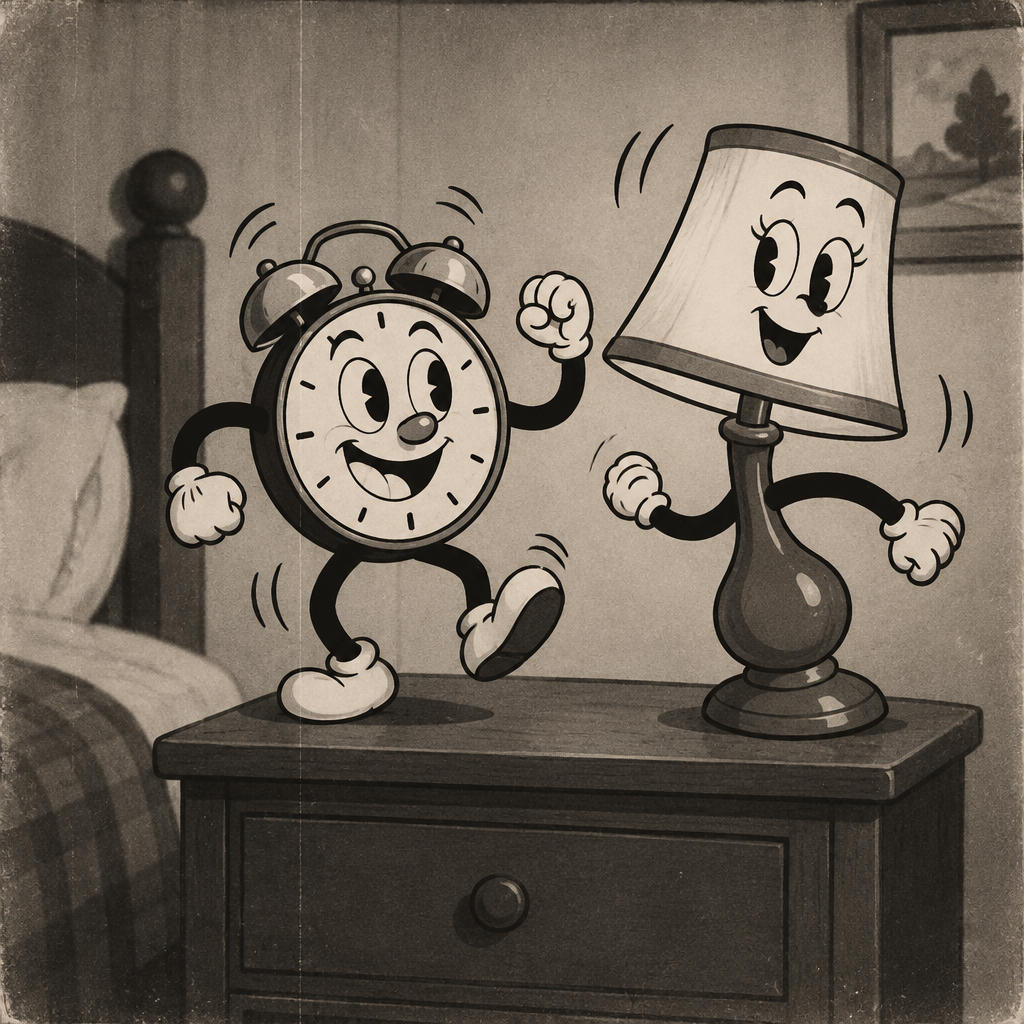
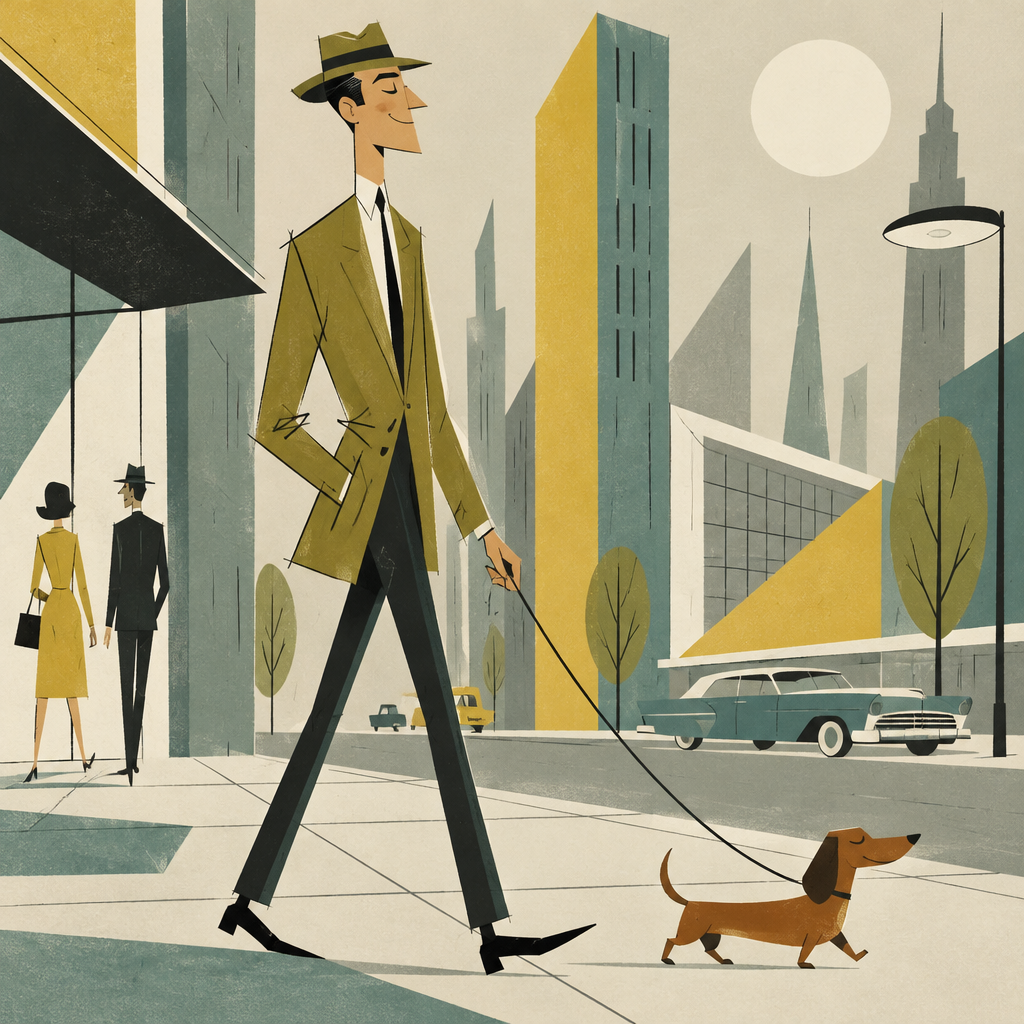
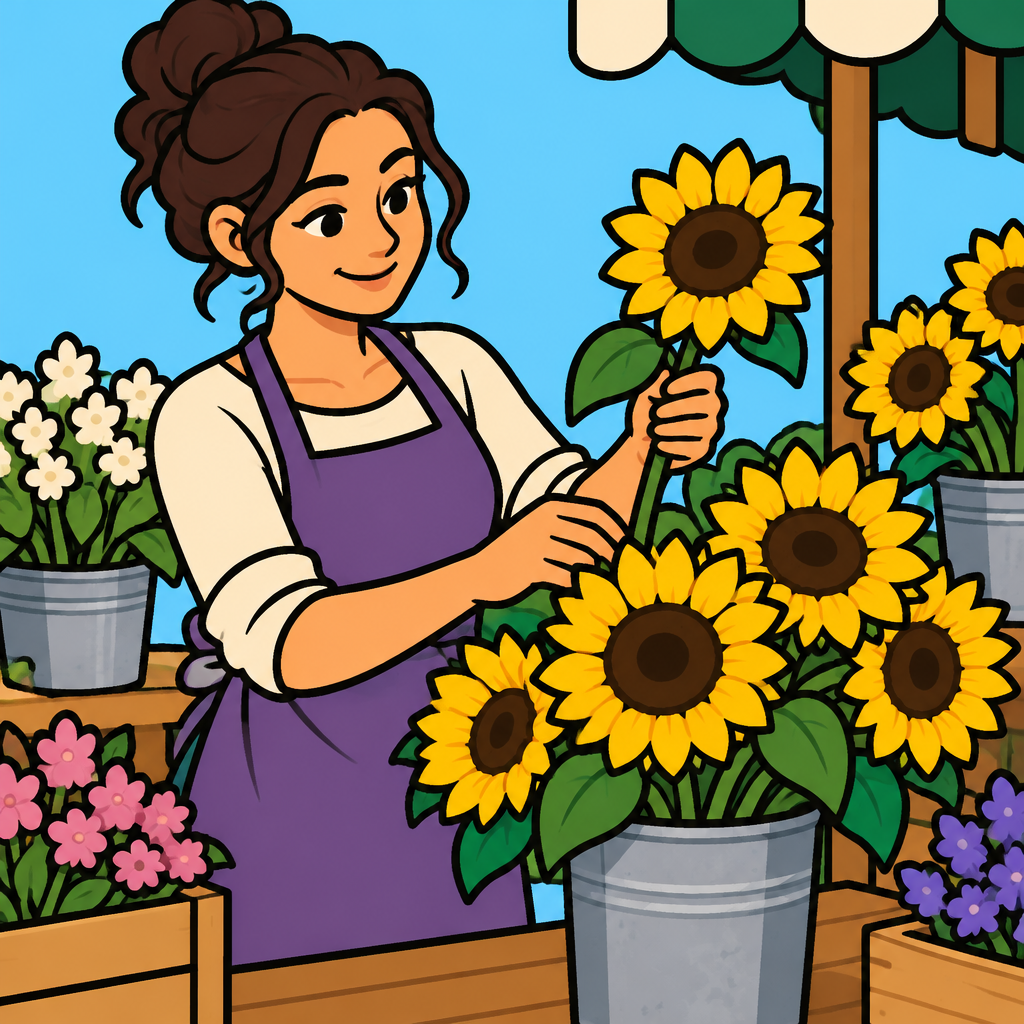
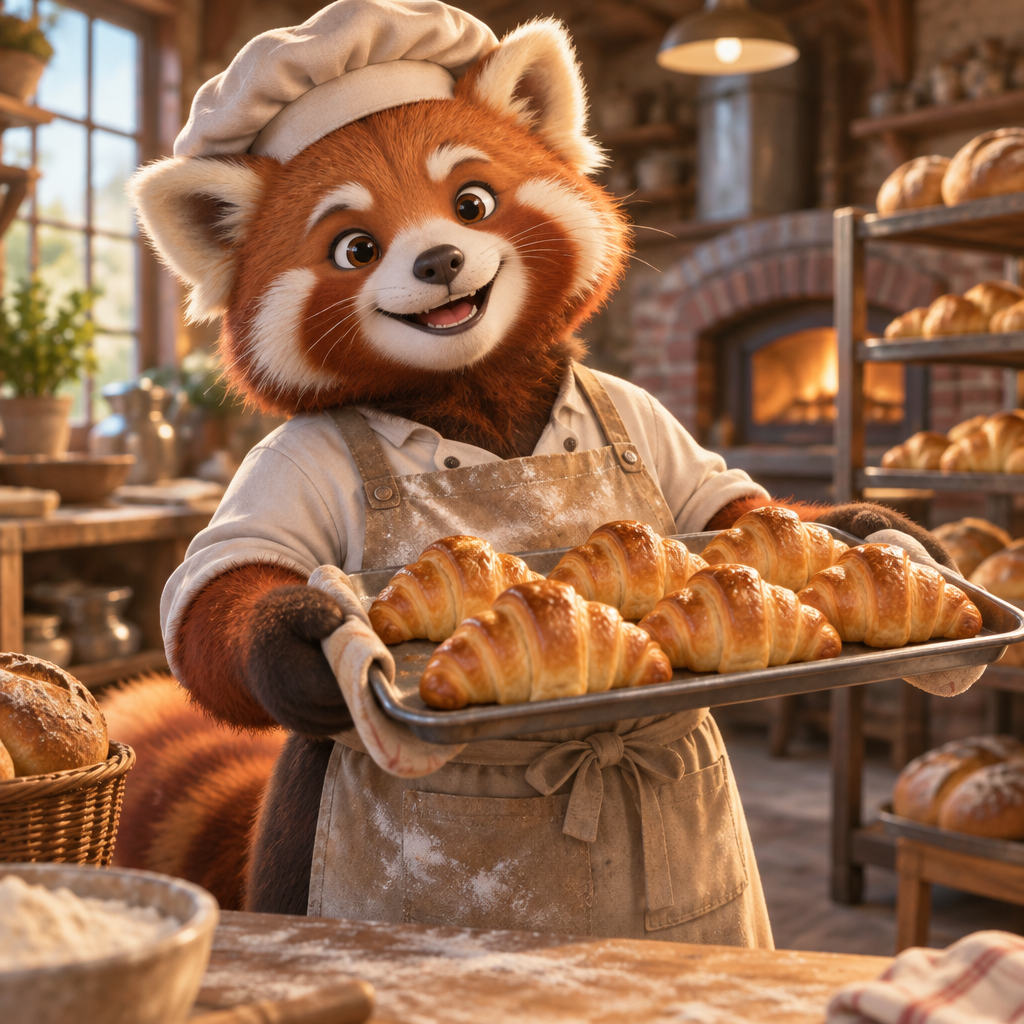
48 looks, nine decades
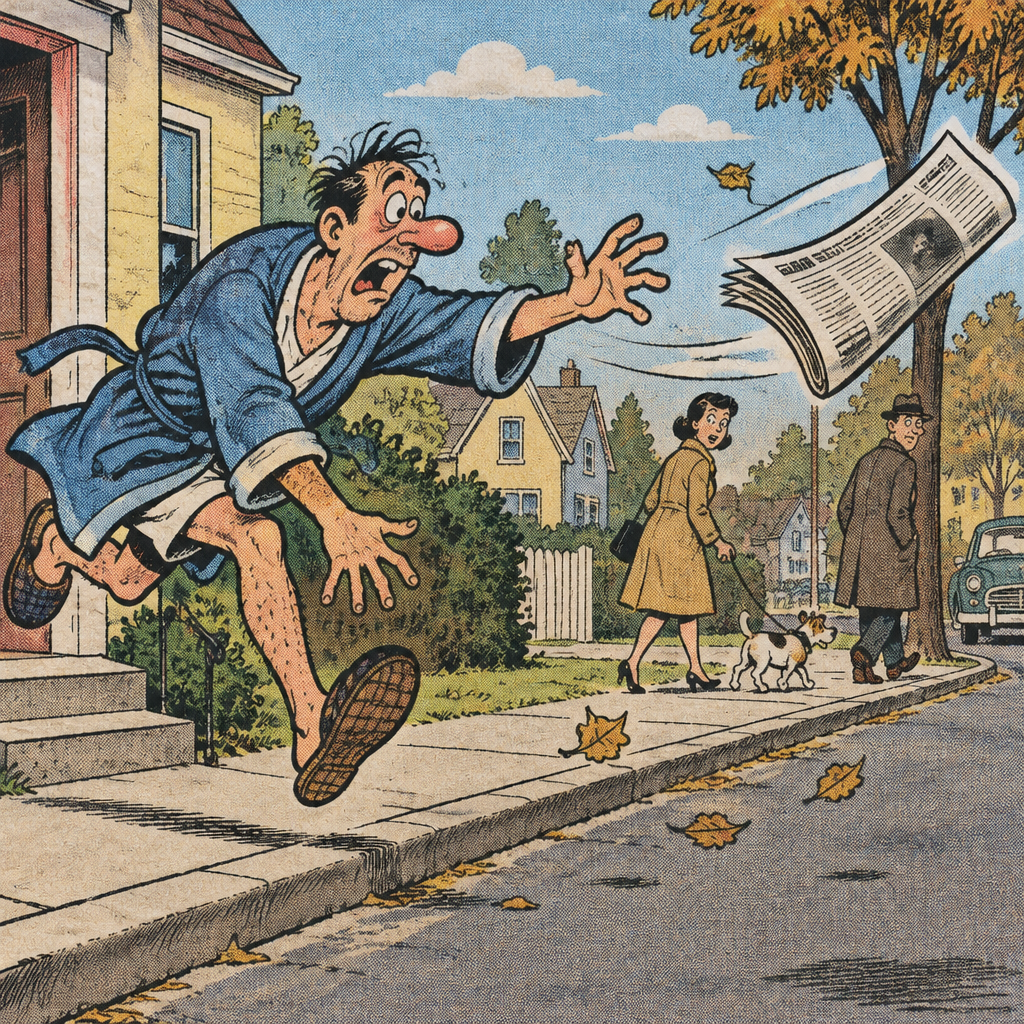
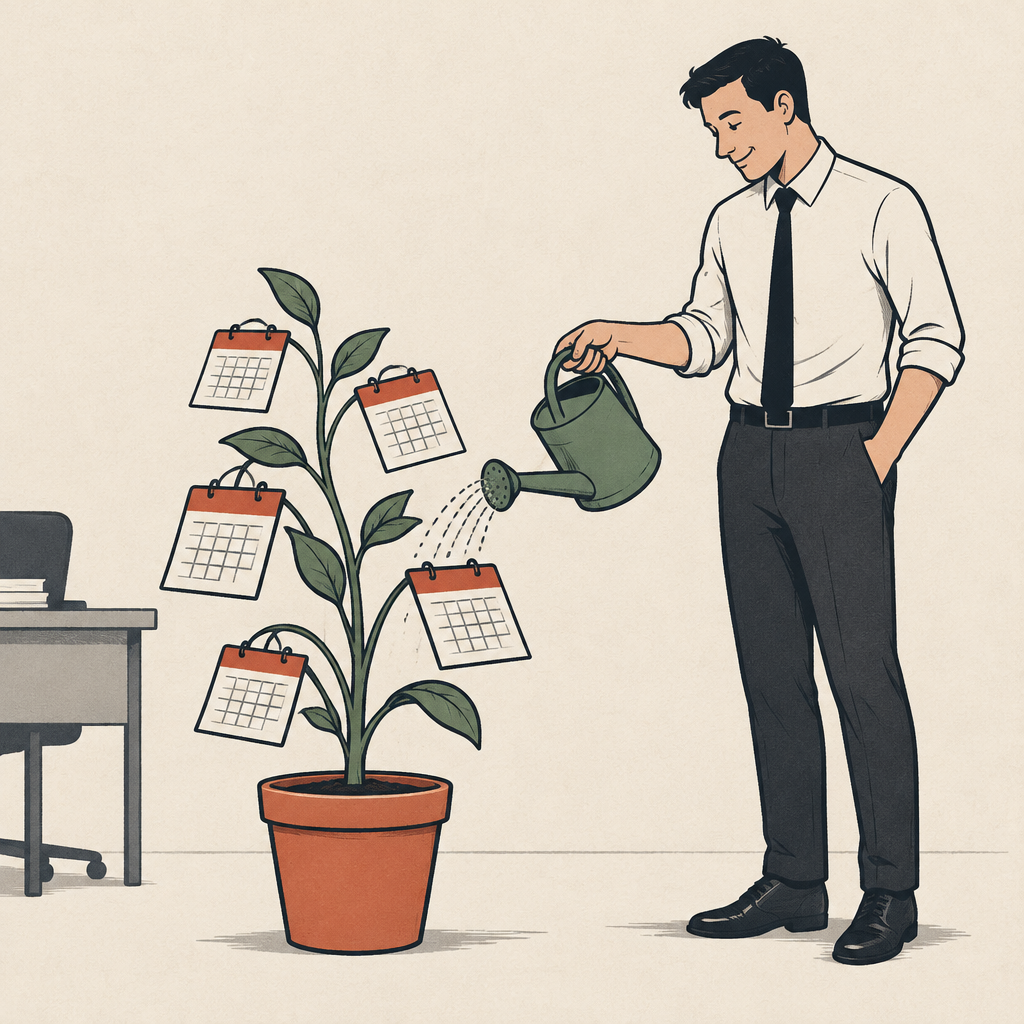
See all 48 →Every look is described by when and how it was drawn, so you can pick ink and wash, cut paper, clay or cel paint without knowing any jargon. They all work with text prompts, photos and video.
Four ways to start
From a sentence
Write who or what should be in the picture and choose a look. A standard image costs 1 credit.
From a photo
Upload a picture of a person, a pet or a place and have it redrawn as a cartoon.
As a video
Generate a clip from a prompt or animate a cartoon you made. 4 to 15 seconds, up to 1080p, optional audio.
Edit and upscale
Type an instruction such as “give him a red scarf” to change a result, then upscale it for print.
Public gallery
Explore all →Recent artwork that members have shared publicly. Open one to see the prompt behind it.
Nothing here yet
You can make something.
Questions
How do I make a cartoon here?
Type what you want drawn, or upload a photo, and choose one of 48 looks. They are named by era and technique: rubber hose, mid-century flat, Saturday morning, thick outline, 3D animated and so on. The image is ready in a few moments, and you can then change it with a typed instruction, upscale it, or turn it into a short video.
What does it cost?
Signing in with Google gives you 2 free credits, and a standard image costs 1 credit. After that, Creator is $9/month for 250 credits and Pro is $29/month for 1,000. If you would rather pay once, packs are $12 for 250 credits and $40 for 1,000.
Can I turn a photo of myself or my pet into a cartoon?
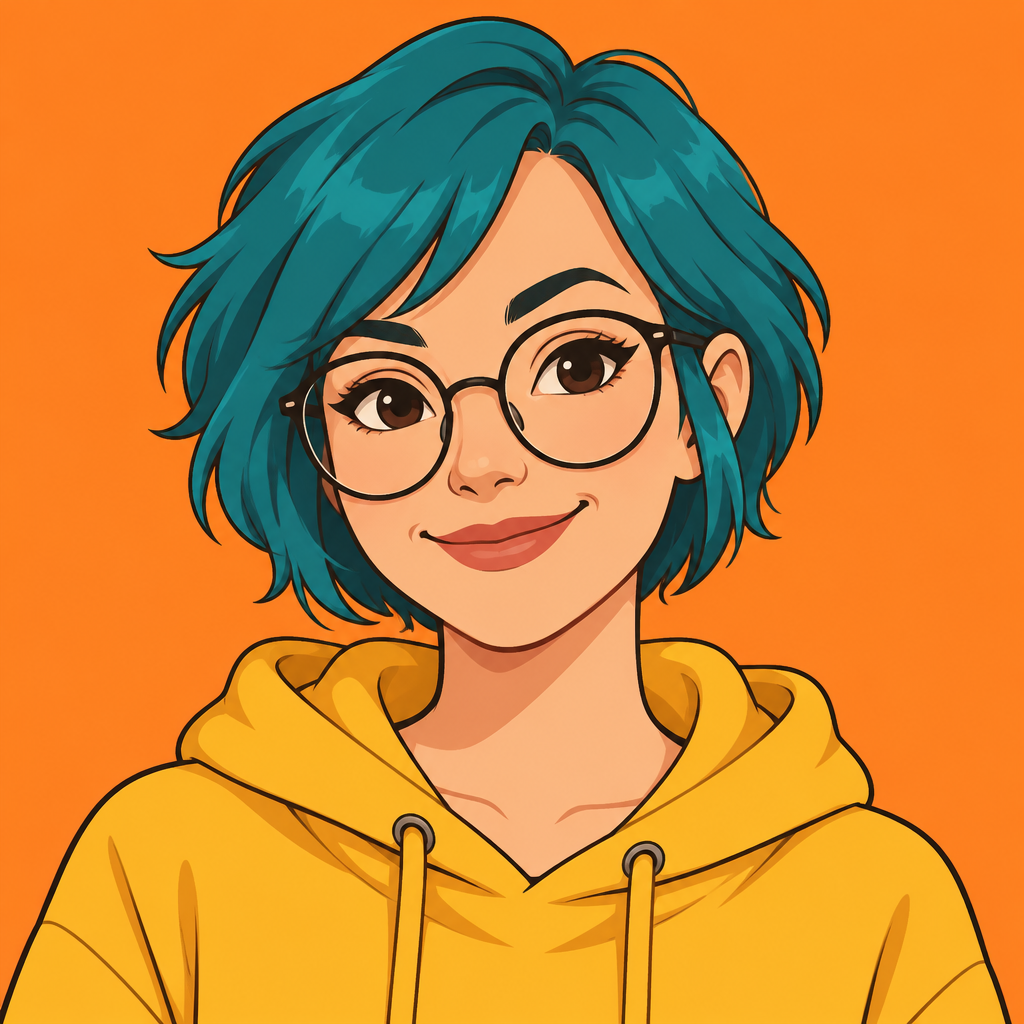
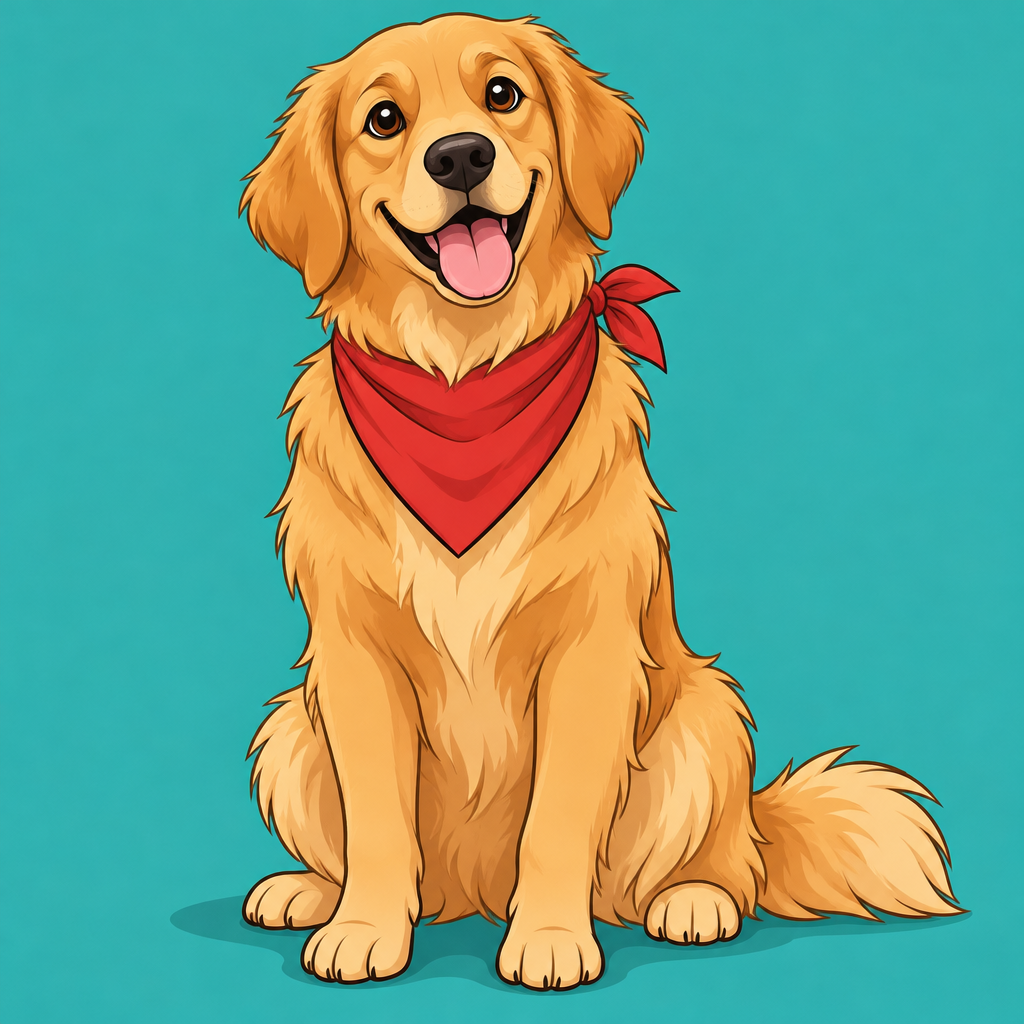
Yes. Switch to photo mode, upload the picture and pick a look. Portrait draws people with natural proportions, Avatar frames a head-and-shoulders profile picture, and Pet Portrait is made for dogs, cats and other companions.
Can it make comic strips, stickers and mascots?
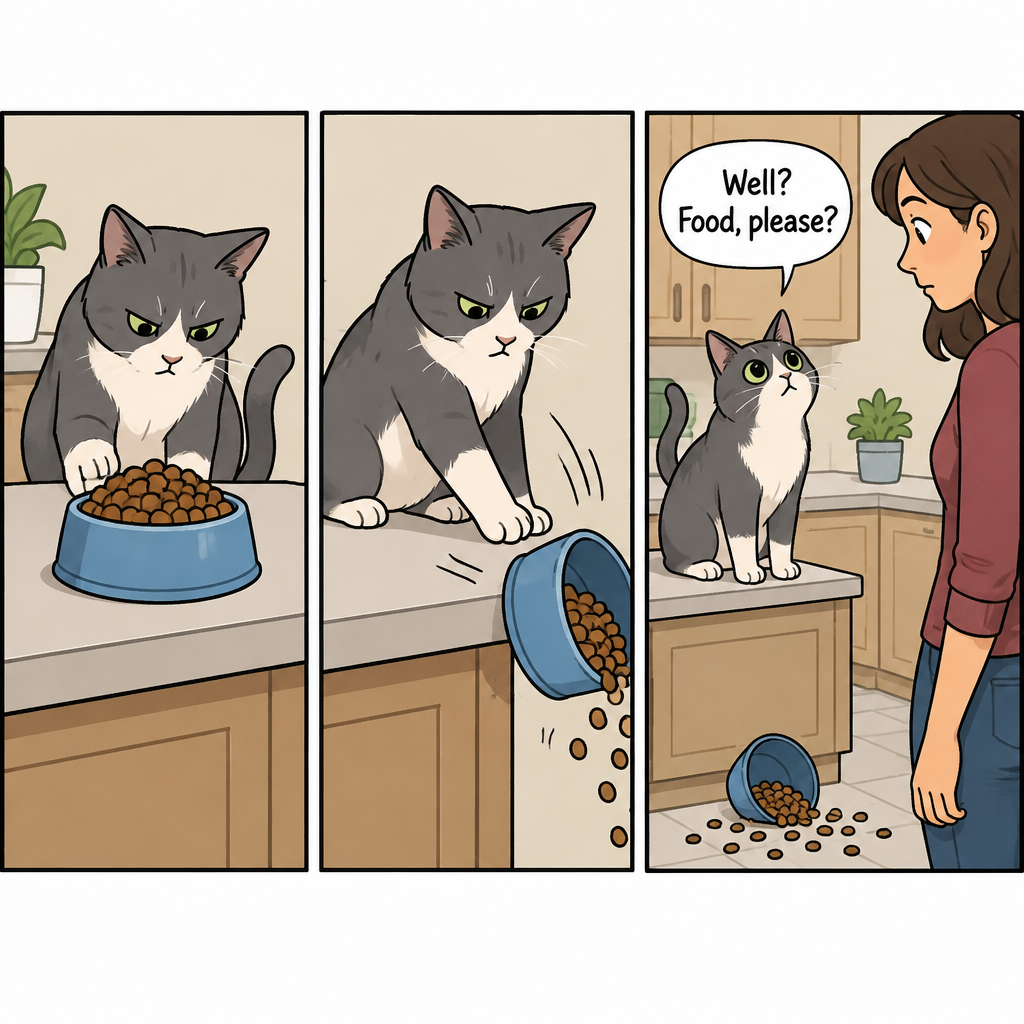
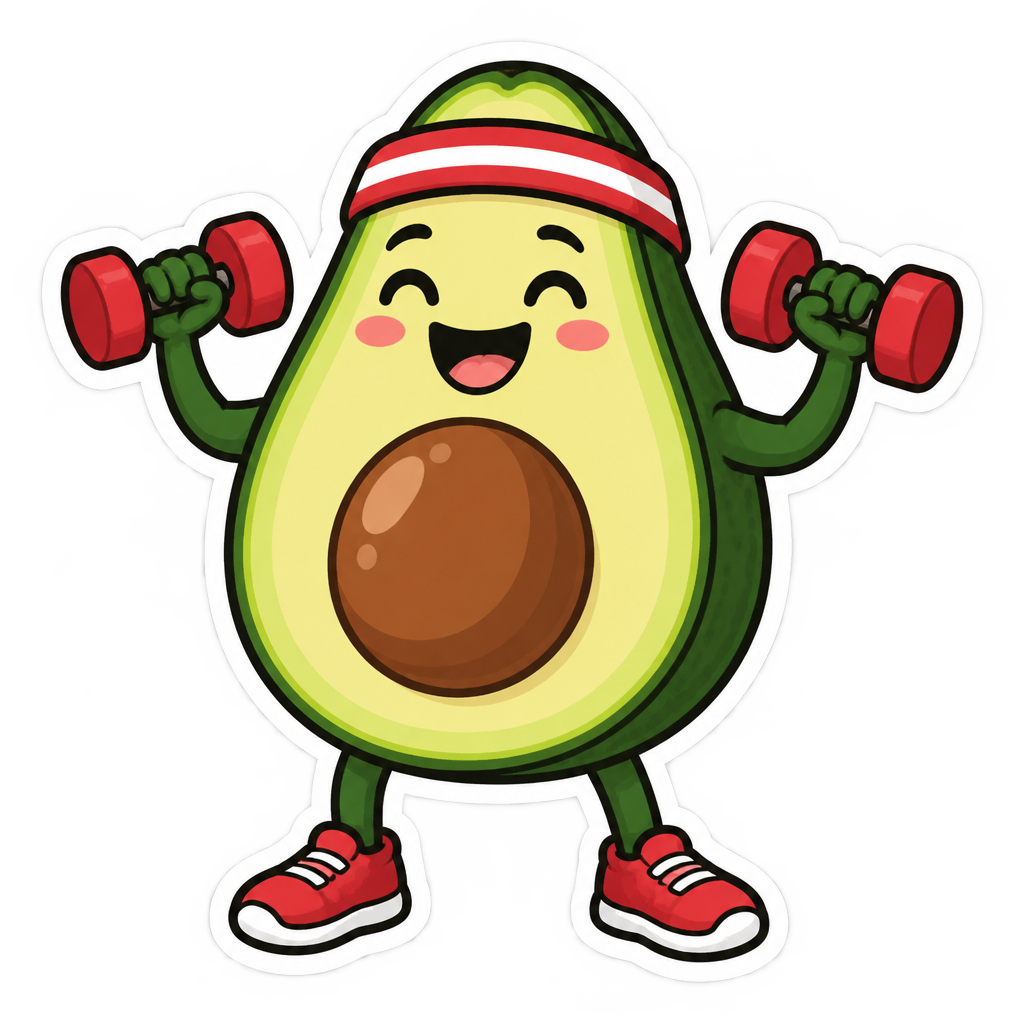
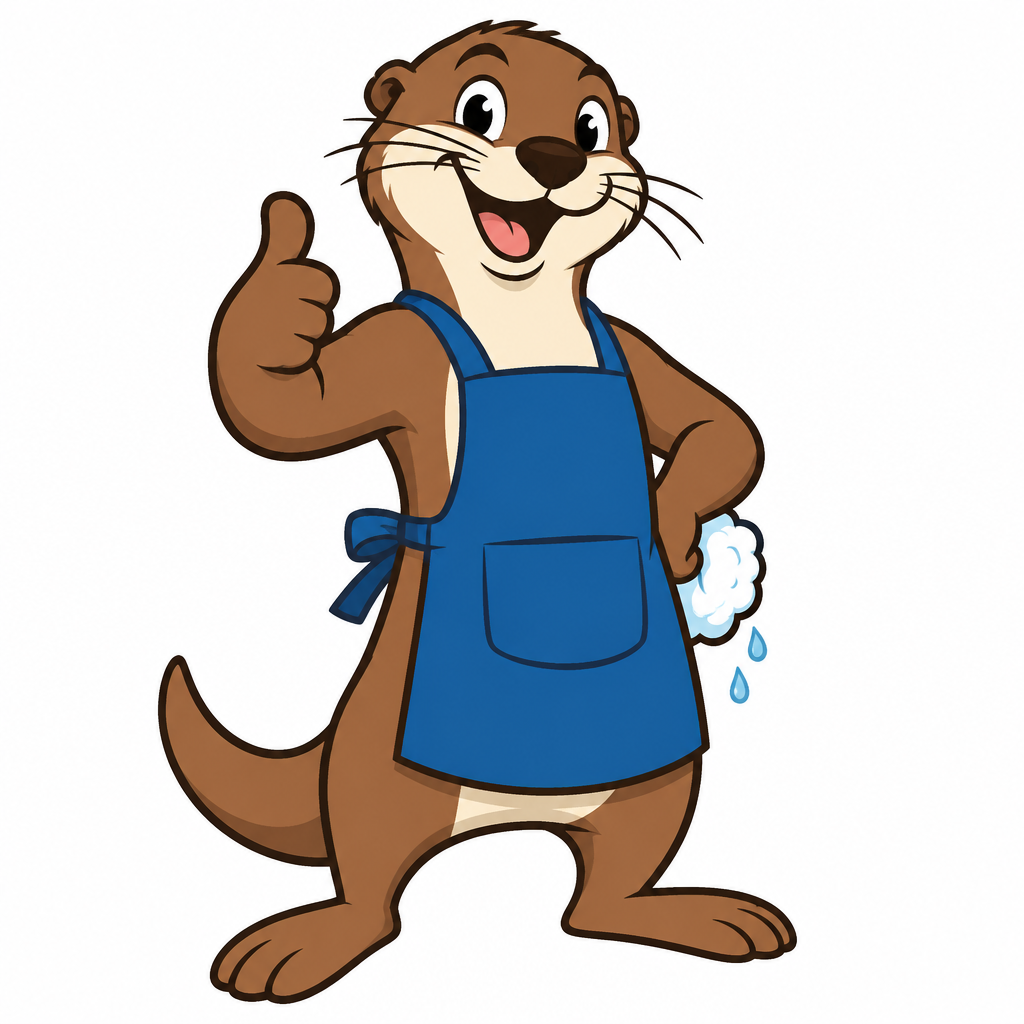
Yes, each has its own look. Comic Strip lays a gag out over three or four panels with speech balloons, Sticker adds a thick white die-cut border, and Mascot draws a full-body character on white with a small color palette.
Who owns the cartoons I make?
You do. The details are in our Terms of Service. Copyright law for AI-made images varies by country, and nothing here is legal advice.